

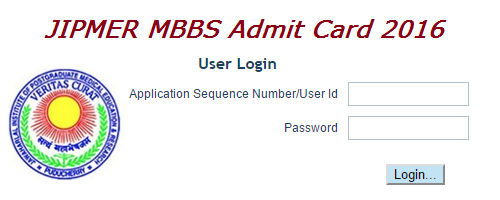
The Jawaharlal Institute of Postgraduate Medical Education and Research (JIPMER) has released the admit cards for its upcoming admission exam for entrance to MBBS Course 2016.
The examination is scheduled to be held on June 5th 2016. Candidates who have applied for the same can download their admit card from the official website of the institute http://jipmer.edu.in/
How to download JIPMER MBBS Admit Card 2016
- Log on to the official website of the institute http://jipmer.edu.in/
- Click on the link ‘Exams’ appearing on the screen in the column ‘Latest Announcements’.
- Click on the link ‘Admission to MBBS Course – 2016 Session (Download Hall Ticket) available on the screen.
- Click on the link ‘Download Hall Ticket’ available on the screen.
- Enter your Application Sequence Number/User Id and Password and submit the details.
- The JIPMER MBBS Admit Card 2016 will appear on the screen.
- Download it and take a print out of the same.
Candidates can also use the direct link https://www.digialm.com//EForms/configuredHtml/827/3967/login.html to download the admit card.
